
Ingest and Portal
Ingest and Portal
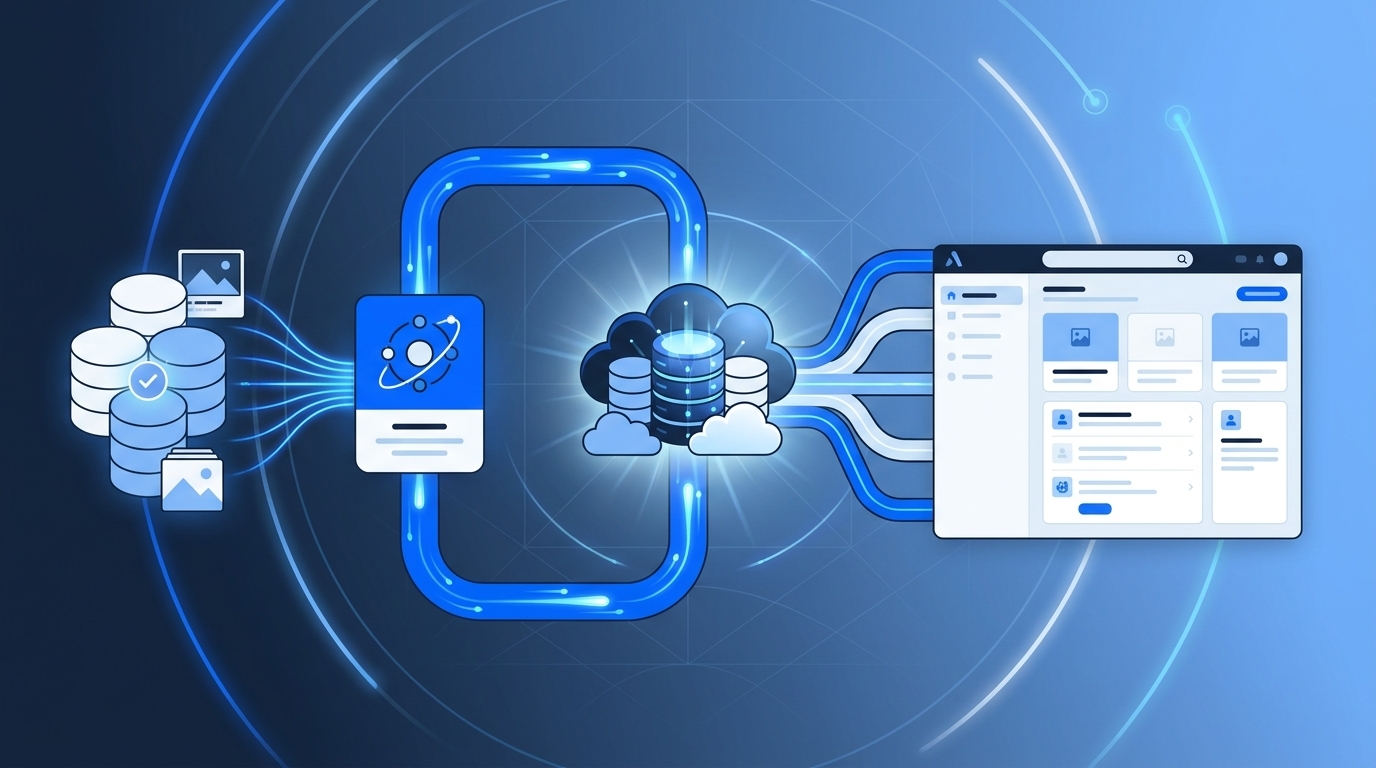
1. AURA Ingest
After the merge to main, AURA Ingest runs. The ingest pulls the validated documentation artifacts from the repository and produces a versioned snapshot from them.
AURA does not simply copy loose texts but produces traceable architecture snapshots.
A snapshot contains at least:
repo: payment-service
repository_url: https://git.example.com/commerce/payment-service
branch: main
commit: a81f3c2
pr: 847
owner: team-payments
product: commerce-platform
documentation_status: validated
last_ingested: 2026-05-09T14:30:00Z
source_paths:
  - docs/architecture/overview.md
  - docs/architecture/context.md
  - docs/architecture/containers.md
  - docs/adr/
  - architecture.yaml
  - docs/api/openapi.yaml
This way, it always remains traceable where a piece of information comes from.
2. AURA Knowledge Store
The AURA Knowledge Store is AURA's internal knowledge base. It can consist of multiple stores:
Git repository for snapshots
file system or object storage for artifacts
search index for full-text search
vector index for embeddings
graph database or graph structure for service dependencies
metadata database for owner, status, sources, and timestamps
The knowledge store serves as the foundation for:
- the central website
- search
- the architecture graph
- AI context
- the MCP server
- quality reports
- drift detection
3. AURA website
AURA generates a central website, for example with MkDocs. This website is primarily intended for humans.
It shows:
product overview
system overview
service catalog
team/owner overview
C4 system landscape
service dependencies
API/event overview
architectural decisions
risks and technical debt
changes since the last state
links to repos, PRs, and Jira tickets
The website should quickly answer:
- Which systems exist?
- Which team owns what?
- Which services are connected?
- Which APIs and events exist?
- Which architectural decisions apply?
- What changed recently?
- Where do I likely need to work for feature X?
4. Possible website structure
AURA Portal
  ├─ Home
  ├─ Products
  │   ├─ Commerce Platform
  │   ├─ Identity Platform
  │   └─ Reporting Platform
  ├─ Systems
  │   ├─ Billing System
  │   ├─ User Management
  │   └─ Notification System
  ├─ Services
  │   ├─ billing-service
  │   ├─ user-service
  │   └─ notification-service
  ├─ Architecture Decisions
  ├─ APIs & Events
  ├─ Teams & Ownership
  ├─ Quality & Risks
  ├─ Recent Architecture Changes
  └─ AI Context / MCP
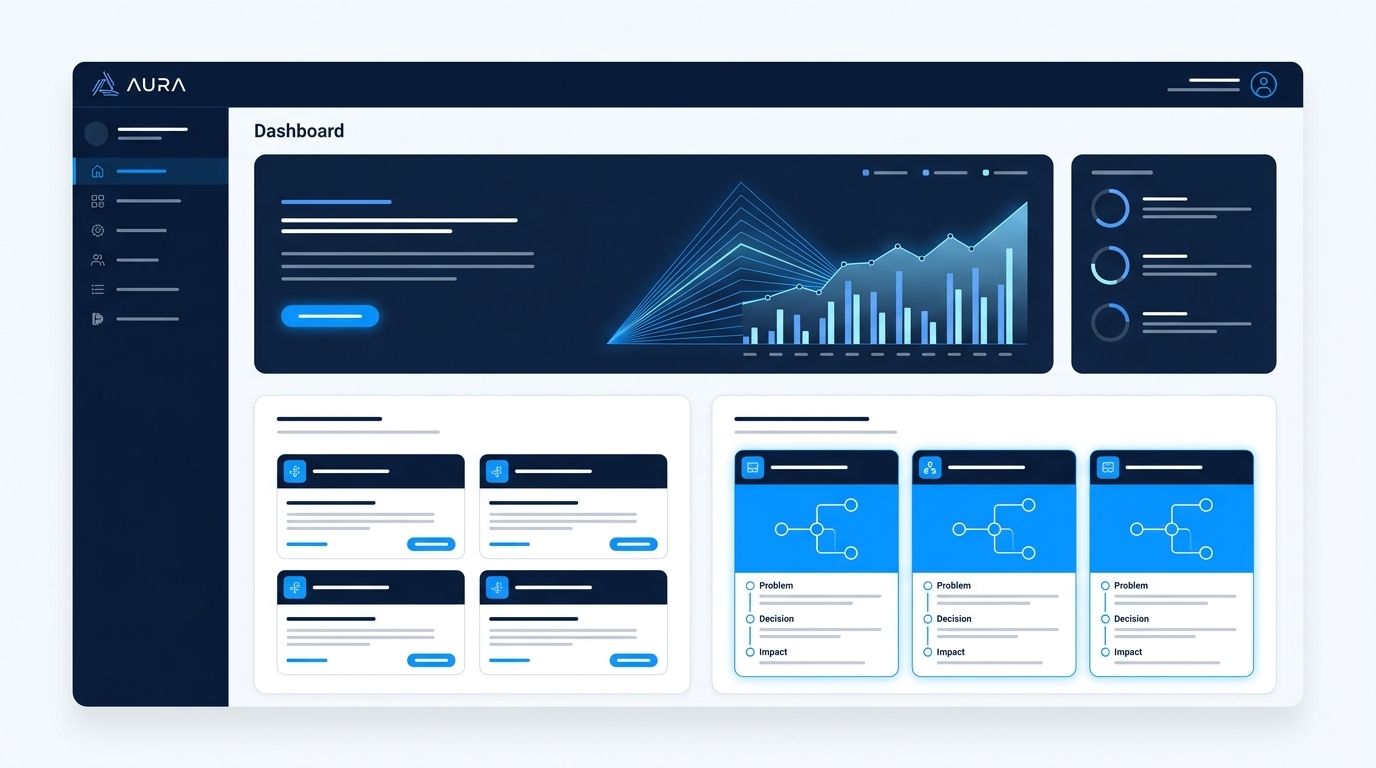
5. Service page in the AURA portal
A service page could contain:
service name
short description
owner
product / domain
lifecycle
criticality
repository link
Jira project
last snapshot
documentation status
C4 context diagram
C4 container diagram
API contracts
events
dependencies
ADRs
quality goals
risks
recent architecturally relevant changes
Example: billing-service
# billing-service

Owner: team-payments
Product: commerce-platform
Criticality: high
Lifecycle: production
Repository: git.example.com/commerce/billing-service
Last Snapshot: commit `a81f3c2`
Documentation Status: validated

## Purpose
The billing-service is responsible for invoice creation, payment status tracking and billing events.

## Dependencies
- user-service
- payment-provider-adapter
- notification-service

## Provides
- Billing REST API
- invoice-created events

## Architecture Decisions
- ADR-0001: Use event-driven billing
- ADR-0002: Introduce payment provider adapter

## Risks
- Payment provider coupling
- Eventual consistency in invoice status
6. Why MkDocs?
MkDocs is well-suited for turning Markdown into a static website.
Advantages:
- Markdown-based
- Git-friendly
- easy to version
- well automatable
- good search available
- with Material for MkDocs a very good UI
- diagrams can be embedded
- CI/CD compatible
AURA could use MkDocs as the first portal surface. In the long run, AURA could also or alternatively integrate into Backstage, Roadie, Port, or a custom developer portal.
7. AURA and Backstage
AURA can work independently of Backstage. There is, however, a strong conceptual proximity to Backstage:
- service catalog
- TechDocs
- ownership
- central view of distributed repos
- developer portal
Possible options:
Option A:
AURA produces its own MkDocs portal.

Option B:
AURA produces data and artifacts for Backstage.

Option C:
AURA is built as a Backstage plugin.

Option D:
AURA starts with MkDocs and partially migrates to Backstage later.
For a pragmatic start, MkDocs is probably faster. For a larger platform strategy, Backstage can become interesting later.
Continue reading
- Next page: AI and MCP — how the knowledge store is used for AI assistants
- Governance and drift — service graph and metrics
- Rollout — when starting the portal makes sense